
Welcome
1 / 1
00:00
From "I run the tool" to "the tool runs itself, I supervise."
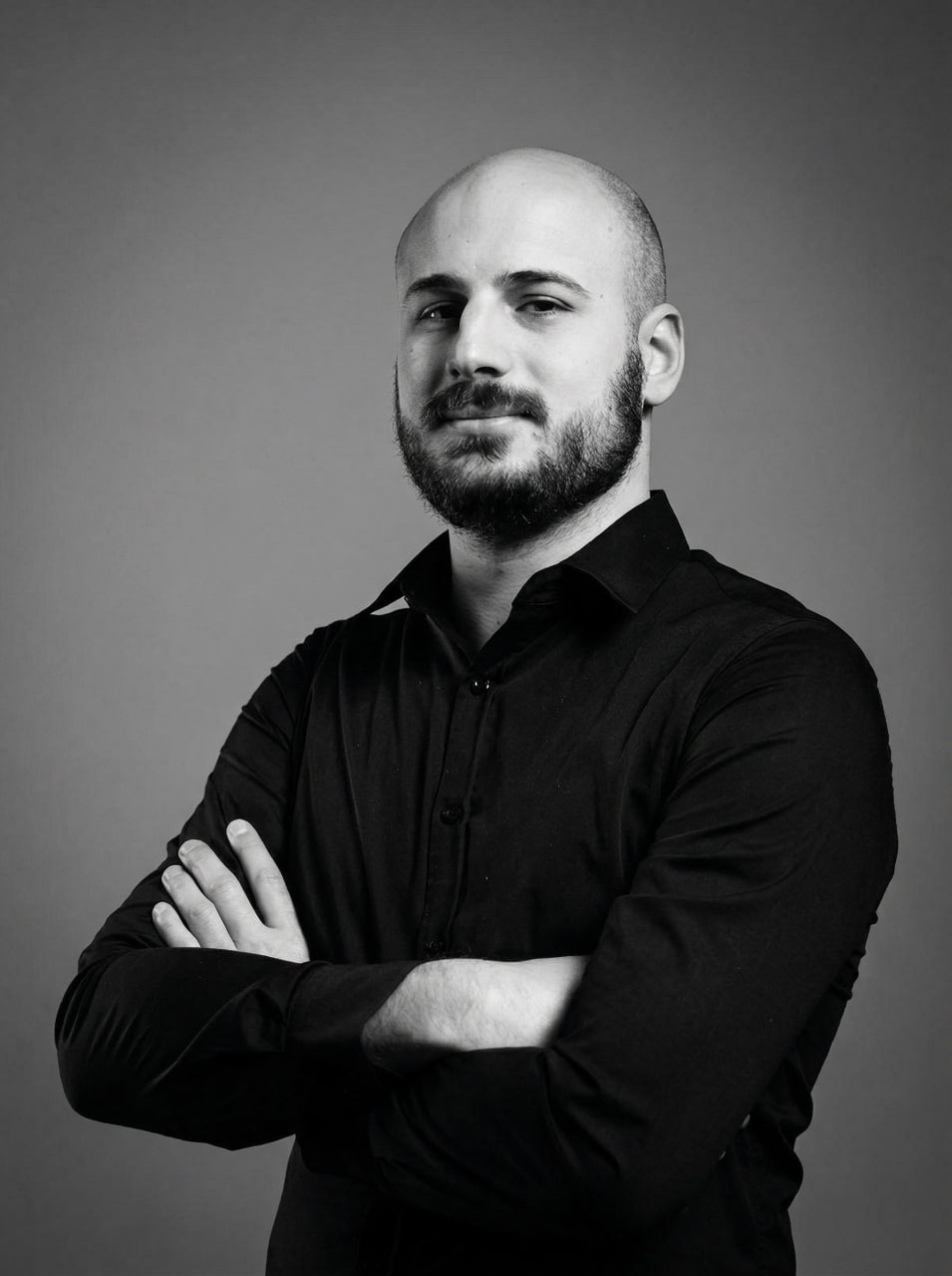
Davide Lancini — Software Engineer & Tech Lead, Cuadro Group
Software Engineer & Tech Lead, Cuadro Group
AI developer and backend specialist with a teaching background. Builds workflow-orchestration systems, chat-driven AI surfaces, and multi-provider automation pipelines that scale from prototype to production.
Gray showed you what AI does for one creative brief. I want to show you what happens when you have to do that brief fifty times — and what stops being optional.
Before the tools. Before the canvas. Before any code.
The honest argument for orchestration.
Every time you open Tool A, do the thing, save the file, open Tool B, do the next thing — you are running a manual orchestrator in your head.
It's invisible because it never shows up in a timesheet. But it's the difference between a studio that scales and one that hires its way out of growth.
It does not show up in the P&L. It shows up in burnout. Or in the headcount you keep adding to keep up with growth that should have been absorbed by the system.
A first workflow costs roughly half a day to build. Pays for itself in week three.
Avatar + voice + lipsync, week after week. Done by hand each time. Drift accumulates. Quality drifts with it.
The client always asks for variants. Every variant is a copy of the workflow you just did, with one knob changed.
The render dies, the deadline doesn't. You retry by hand. Or you don't, and the output ships broken.
Silence. No request id. No log. The file the client just rejected — you cannot reproduce it.
Five years ago: "can the AI even do this?" — that was the bottleneck.
Today: the AI does it in two seconds. The bottleneck is everything around the AI call.
Validation. Retry. Multi-format. Cost tracking. Error handling. Delivery. That is where the work moved.
This is not "AI replaces creatives." This is creatives moving up the abstraction ladder, the same way 3D artists did when they stopped painting every frame by hand.
A workflow tool, yes. But more usefully: a node graph for anything that has an API.
The tool changes. The abstraction does not.
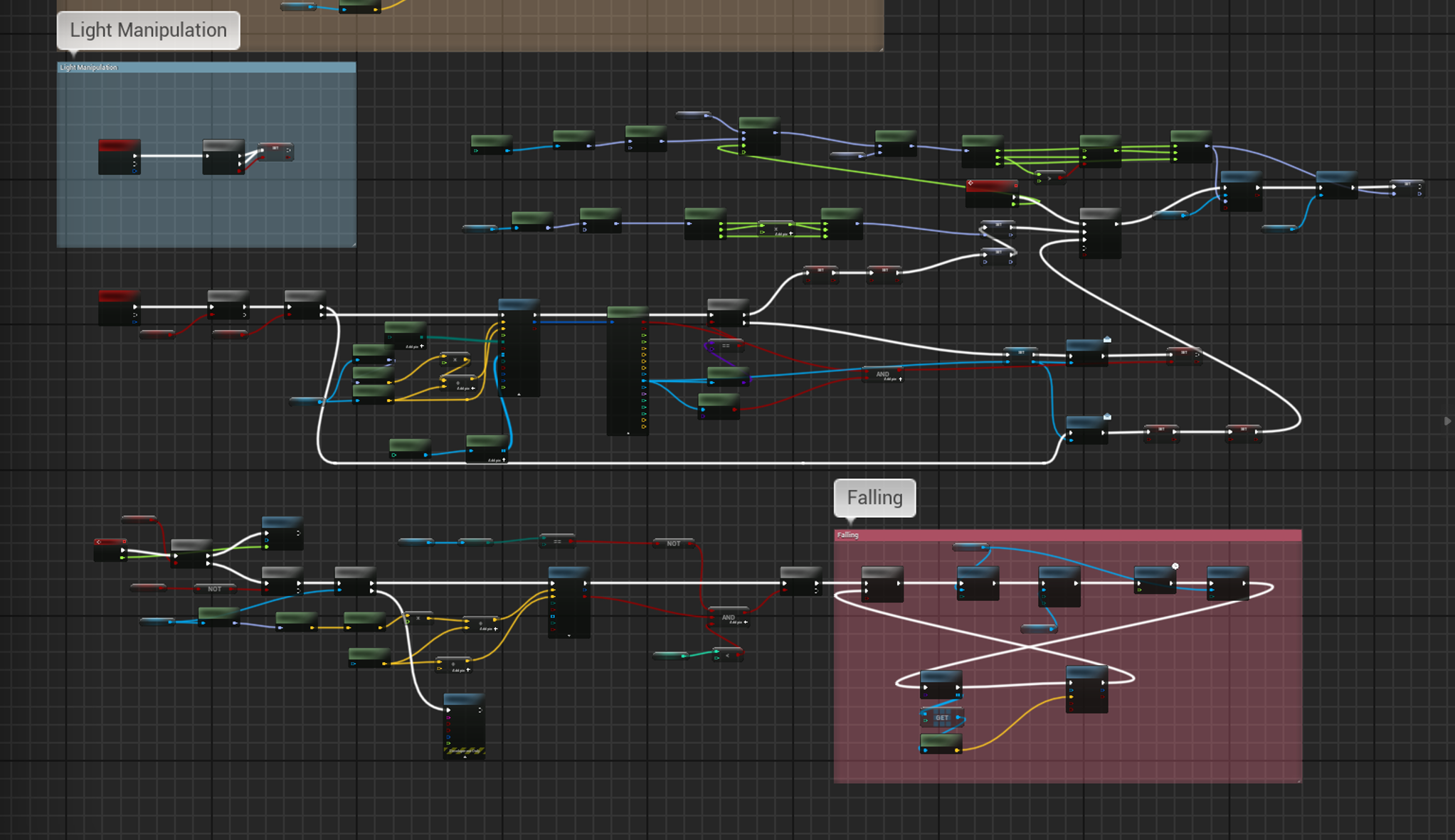
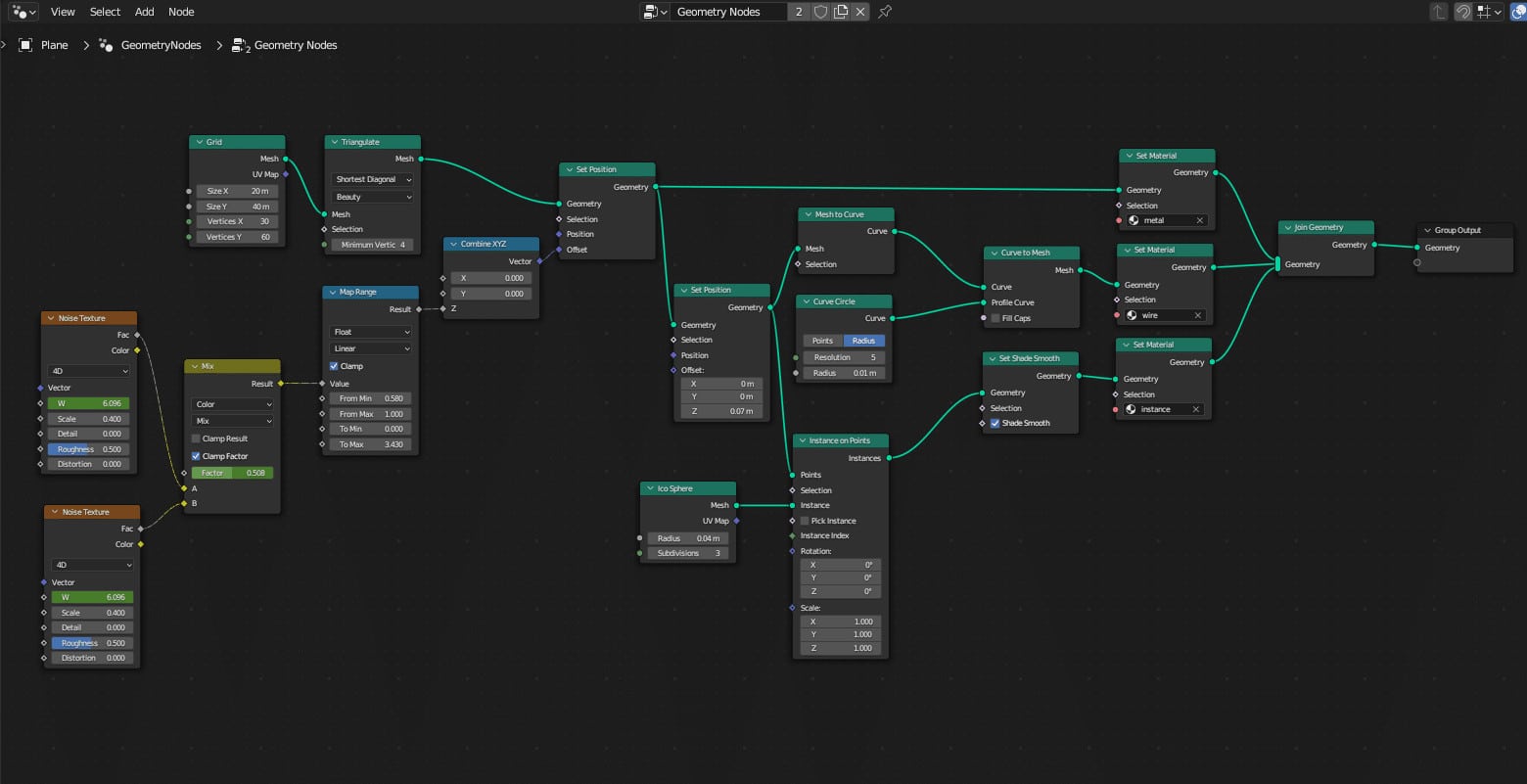
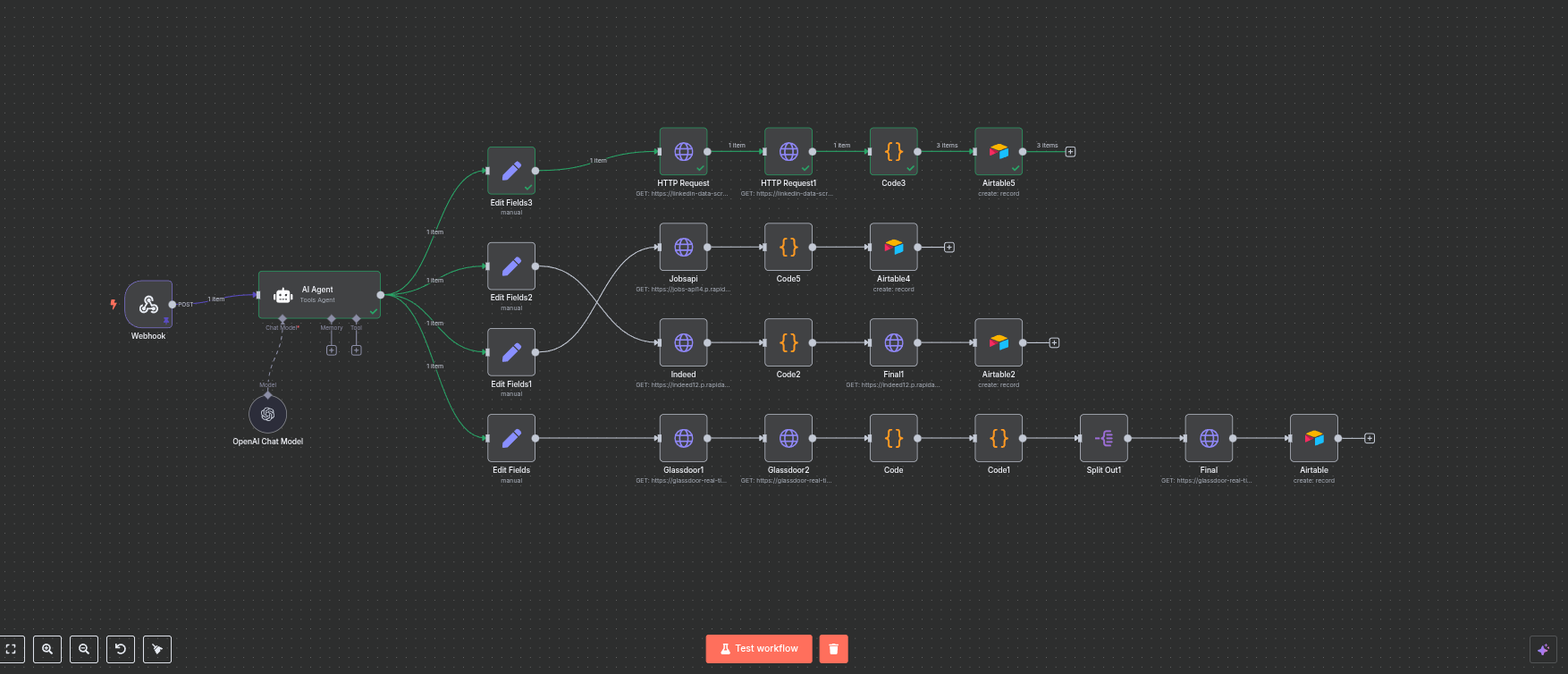
The structure is identical. Inputs flow in. Nodes transform. Outputs go downstream. You chain logic.
| Same family as | Zapier, Make, Pipedream, Activepieces |
| Different because | open source, self-hostable, code-friendly, no per-task pricing |
| Lives where | your VPS, your laptop, your Kubernetes — your data, your credentials |
| Talks to | any HTTP API, any database, any chat surface, any file storage |
| Costs | ~30 €/month VPS for the studio I am about to show you |
That is the entire mental model. Everything else is variations on those primitives.
| Trigger | You get | Example surface |
|---|---|---|
| Webhook | HTTP endpoint | any app calling your URL |
| Schedule | cron-driven runs | nightly digest, weekly report |
| Form | auto-generated public form | brief intake from a client |
| workflow on inbound mail | parse a PO, post to ops | |
| Chat | Slack / Telegram / Discord | team-driven AI commands |
| File watch | S3 / Drive / Dropbox | asset uploaded, pipeline starts |
| App trigger | Stripe, HubSpot, Shopify, GitHub… | event-driven business logic |
Where your team already lives is where your workflow should listen.
For studio work, "your data, your creds" is the moment n8n stops being a curiosity and starts being the obvious choice.
MCP — Model Context Protocol. Anthropic's open standard for letting any LLM call any tool through a uniform interface. n8n is going MCP-native: every workflow you build becomes automatically callable by Claude, ChatGPT, Cursor, any MCP-aware agent.
| Today | Tomorrow · MCP-native |
|---|---|
| You curl a webhook | Claude curls it for you, inside a longer reasoning chain |
| You send /3d in Telegram | Claude decides it needs a 3D model and calls /3d itself |
| The chat surface IS the user | The chat surface is an agent you supervise |
| One workflow = one feature | One workflow = one tool in a growing agent toolbox |
The workflow you build today becomes a tool an agent uses tomorrow. Same JSON. Same nodes. New caller.
The point of this talk is not what I built.
It is the idea of what can be built.
Client uploads a brief. Workflow generates 3 voice + 3 image + 3 video variants. Delivers to a Notion page.
Drop a render in S3 → workflow runs three lighting variants in ComfyUI → posts to Slack for approval.
Email arrives with a PDF → extract fields with an LLM → push to QuickBooks → confirm in Slack.
New client signs Calendly → generate proposal PDF → send via DocuSign → create folder in Drive.
HubSpot lead created → enrich with Apollo → score with LLM → assign to sales rep → first email drafted.
9am cron → pull yesterday's commits, Linear tickets, Slack threads → LLM summary → post to #standup.
Inbound ticket → classify with LLM → route to right team → draft response → human approves → send.
Master script → ElevenLabs in 8 languages → HeyGen lipsync → 8 mp4s posted to a private review URL.
None of these are sci-fi. Every one is a 4-to-15 node workflow. Built once. Runs forever.
| Pattern | Trigger | What it does |
|---|---|---|
| Chat-driven | Slack / Telegram | Slash command → action → reply in chat |
| Event-driven | App webhook | Stripe / HubSpot / GitHub event → reaction |
| Schedule-driven | Cron | Periodic digest, scheduled posting, batch jobs |
| Form-driven | Public URL | Brief intake, support form, RSVP |
| Async fan-out | Any | One input → N parallel variants → merged delivery |
Once you recognise these five, most studio operations decompose into a list of these workflows.
Pick the stage that matches the actual need. Not every workflow needs Stage 4. Most need Stage 3 plus a domain expert. Knowing which one is the consultancy.
| Don't automate | Why |
|---|---|
| Strategic positioning | "Who do we serve, with what, why" is a human conversation, not a function call. |
| First commercial conversation | Discovery happens in a human voice. The data comes from listening. |
| Client-authorization moments | "Green-light this deliverable" is a person looking at a person. |
| Emotional craft | The moment a creative chooses what feels right is the work. |
| Briefs that need a real conversation | If the friction is the value, removing it removes the value. |
Automate what you can describe. Stay where you cannot.
A studio that automates everything stops being a studio. The art is knowing where the system stops and the human picks up.
Five live demos. None of them are the goal — they are existence proofs. If this can be done, your version can be done.
5 creative tasks (voice, avatar, lipsync, video, 2D-to-3D). One Telegram bot. n8n in the middle. Same as Gray's tools — Weavy, ElevenLabs, HeyGen, Meshy — wired into a system instead of opened by hand.
This brief is generic on purpose. Replace "creative pipelines" with "your pipelines" and the talk still works.
That message hits a Telegram Trigger node, dispatches to a workflow, calls Together.ai, returns the URL, sends back a photo. Six nodes between your finger and a real provider.
This is the chat-driven pattern from earlier — concrete.
No tutorial. No SDK. Drag, configure, save. Same vocabulary as a shader graph.
I curl the SAME pipeline at clean and at enterprise. Compare the responses. 239 bytes vs ~2 KB. The extra bytes are everything you need to operate at scale.
In the canvas: provider node red. Error branch green. Notify ran. Respond 502 ran. Workflow finished cleanly even when it failed. This is the moment a structured layer earns its name.
Cloudflare times out at ~100 seconds. Meshy needs three minutes. Submit, poll inside the workflow, deliver the binary when ready. Same pattern works for any slow provider — image diffusers, video gen, batch LLMs, render farms.
Same workflow. Same JSON. Same 33 nodes. New caller. The 2024 chat surface was a human typing slash commands. The 2026 surface is an agent reasoning over your tool catalogue and picking the right one inside a longer chain of work.
Every workflow you build today becomes a tool an agent uses tomorrow. That is the actual long bet.
| Workflow | Clean | Quick | Structured | Enterprise |
|---|---|---|---|---|
| ai-voice | 200 ✓ | 200 ✓ | 200 ✓ | 200 ✓ |
| ai-avatar | 200 ✓ | 200 * | 502 | 502 |
| ai-lipsync | 200 ✓ | 200 ✓ | 200 ✓ | 200 ✓ |
| ai-videoops | 200 * | 200 * | 502 | 502 |
| ai-2d-to-3d | 200 ✓ | 200 ✓ | 200 ✓ | 200 ✓ |
Upper layers tell you what is broken, on protocol, in shape. Lower layers vanish. This is the direct argument for going up the ladder.
* clean/quick return 200 with empty body when the provider fails. Structured/enterprise correctly produce a 502 with the upstream error attached.
Tomorrow morning, write down a thing in your studio someone does more than once a week. Same shape, same tools, slightly different inputs.
That is your first workflow. Sketch it as nodes on a piece of paper. Webhook → Set → HTTP → Respond. Build it Saturday afternoon. By Monday it runs itself.
You do not need 24 workflows. You need one that you stop doing by hand.
| n8n | Workflow orchestration · self-hosted | n8n.io |
| Telegram Bot API | Chat surface | core.telegram.org/bots |
| ElevenLabs | Voice synthesis | elevenlabs.io |
| Together.ai | AI image gen (FLUX schnell) | together.ai |
| HeyGen v2 | Avatar lipsync | heygen.com |
| HeyGen Video Agent | Generative video pipeline | labs.heygen.com |
| Meshy 5 | AI 2D-to-3D conversion | meshy.ai |
| Gemini | LLM enrichment (enterprise) | aistudio.google.com |
~30 €/month VPS + provider credits. A typical client demo runs under 5 € in upstream API spend.
Software Engineer & Tech Lead
Cuadro Group
cuadrogroup.com
linkedin.com/in/davidelancini
@ddd_ai_notify_bot
If you are about to build a pipeline like this and you want a second pair of eyes, find me at the break or on LinkedIn.
Questions?